
How to make a slideshow on TikTok (and what changes for a business)
By Jack, Marketing Lead at Viral Garden
Published
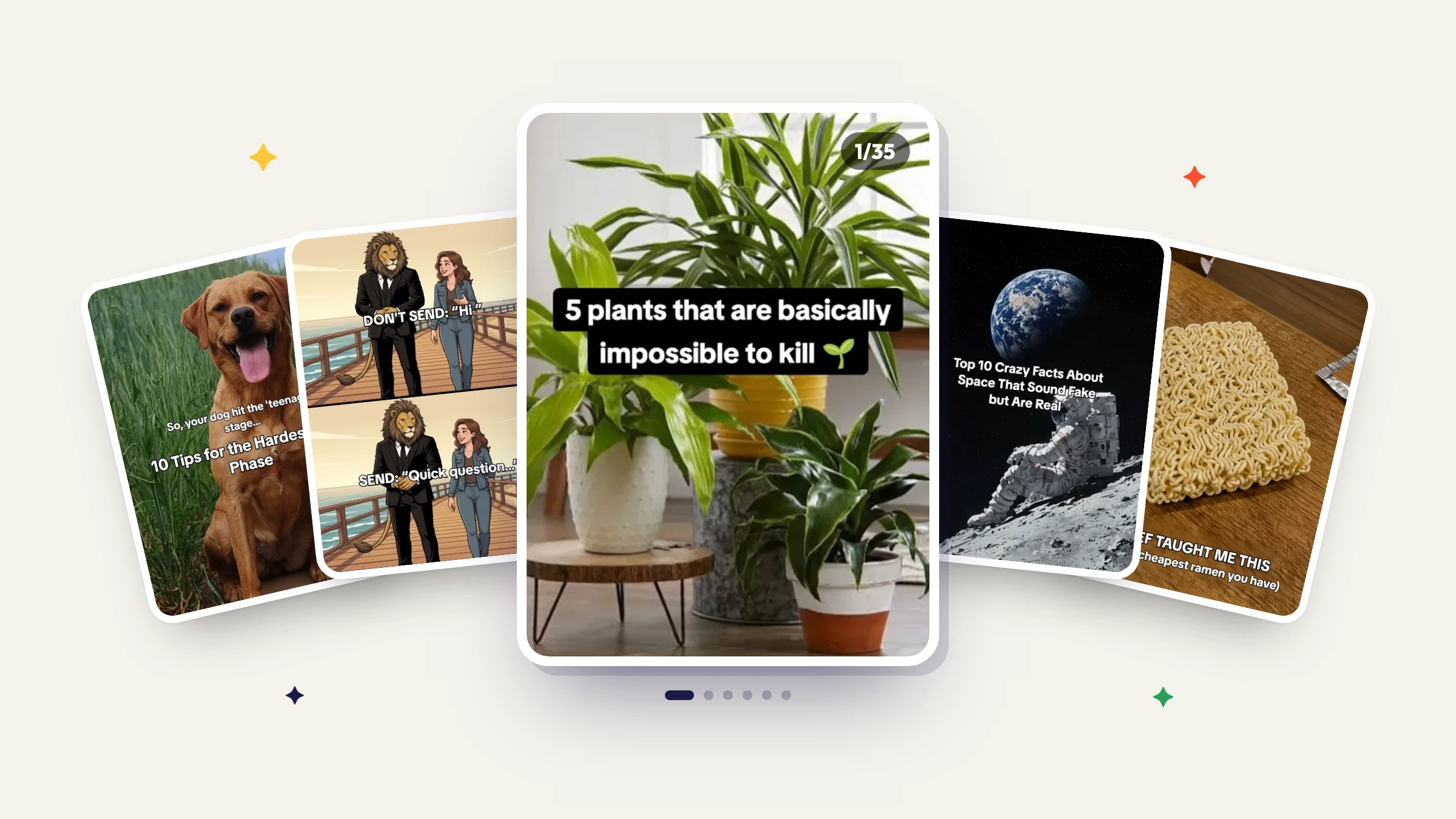
A TikTok slideshow is a photo post: up to 35 photos with one sound over all of them, as of October 2026. You make it in the TikTok app with the Photo option, in five steps. On a Business Account you can only use music licensed for commercial use, and any slideshow that promotes your product needs the Promotional content label.
Make the slideshow in the app
These steps follow TikTok's help page Making a post as it read in October 2026.
- Open the TikTok app and tap Add post, the + button at the bottom.
- Tap Photo, then Upload, and choose your photos. You can add up to 35.
- Tap Next. Swipe to switch between photos and make edits: add a filter, a sound, text or stickers, or crop your photos.
- Tap Next again. On this screen you pick the cover with Edit cover, write the description, add hashtags, tag people, add a location or a link, and set who can see the post.
- Tap Post to publish, or Drafts to finish it later.
When TikTok launched Photo Mode in 2022, it described carousel posts of still images "that automatically display one after another", which "viewers can swipe through at their own pace" (Inspiring creativity with our new editing tools).
If you would rather start from a ready-made design, TikTok's effect templates are a separate flow: tap Add post, tap Create at the bottom, pick a template, tap Try this template and add your photos. TikTok says templates are "not currently available to everyone", and a Business Account can only use templates made with music licensed for commercial use (Editing TikTok videos and photos).
New posts keep the privacy setting of your previous post, so if your last post was visible only to you, the slideshow will be too until you change it on the final screen.
Drafts can be removed if you reinstall the app or move the account to another device (Editing, posting, and deleting), so post a draft you care about before switching phones. A slideshow you delete by mistake stays in Recently deleted for up to 30 days, and restoring it brings back its comments and likes too.
If a slideshow won't upload
For trouble uploading a post, TikTok's Making a post page lists four fixes: switch between Wi-Fi and mobile data, clear the app's video cache, restart the app and your phone, and make sure you're running the latest version of TikTok. If the post went up but isn't on your profile, check its privacy setting: "Only public videos are displayed under the posts tab", and private ones are behind the Lock icon on your profile.
Limits that shape a slideshow
A post holds up to 35 photos (Making a post) and one sound for the whole post (Editing TikTok videos and photos), so pick music that suits every slide. To choose which part of the song plays, tap Trim next to the sound and drag the slider to where it should start (Sounds). The editing page also caps overlays, meaning photos or videos layered on top of a slide, at 8.
TikTok gives photo steps only for the phone app. Its instructions for uploading from a web browser sit under posting a video: "Click Select video to upload or Select file."
Slideshows don't earn Creator Rewards: TikTok's eligibility list says a qualifying video "can't be created using Photo Mode" (What videos are eligible for Creator Rewards Program?).
Why a song you want might be missing
TikTok's Sounds page sets the rule for every post: with a Business Account, "you cannot use music on TikTok that's not licensed for commercial use." That leaves the Commercial Music Library, which TikTok calls "a global music library of 1 million songs". Its Commercial Music Library guide says that when a Business Account starts a new video and adds a sound, "you will only see sounds from the Commercial Music Library".
A personal account, which TikTok calls a General account, gets "music and sounds from the general music library and Commercial Music Library (CML)" (Account types on TikTok). For a post that promotes a brand, product or service, TikTok recommends using only Commercial Music Library music, because its licenses for other music "don't cover the commercial use of music in content". If you use an original sound or other music anyway, you must agree to TikTok's Music Usage Confirmation when you turn on the content disclosure setting. To find library music, tap the Sounds button and "select Commercial Sounds from the dropdown" (How to use the Commercial Music Library).
What changes when you post for a business
As of October 2026, TikTok lists three account types: General, Verified Business and Organization. There is no separate creator account; TikTok calls a General account "a good choice for general TikTok users, content creators, and most public figures" (Account types on TikTok). For businesses, the page says:
Anyone whose primary goal on TikTok is to promote their business (either a product or service) should use a Verified Business Account.
It also recommends two separate accounts if you want to post personal content too. A Verified Business Account can put a website link on its profile, while a General account needs at least 1,000 followers first. TikTok also offers an upgrade called a TikTok Account with Advanced Access. Like a Verified Business Account, it can enter the Business Suite and attach links to posts or a profile.
TikTok's rules for promoting a brand, product, or service cover promoting your own business, so any slideshow that promotes your product needs the content disclosure setting turned on. On the final screen before posting:
- Tap Content disclosure and ads. If you're not part of TikTok One, tap More options first.
- Turn on Disclose commercial content.
- Choose Your brand, then tap Save and Continue.
Your post then carries a Promotional content label. TikTok says the setting "won't affect the distribution of your post in feeds on TikTok." You can turn it on before or after posting, but once a post is published with a label, that label cannot be changed, and TikTok may remove or restrict promotional posts that are not disclosed.
Slides made with AI need a label of their own if they look real. TikTok requires creators "to label all AI-generated content that contains realistic images, audio, and video", and for a photo you take in the app, its steps put the AI-generated content setting under Post settings (About AI-generated content).
Scheduling slideshows ahead of time
The help page for TikTok's own scheduler, Schedule video, is written for video and, as of October 2026, covers desktop scheduling. You can schedule from 15 minutes to 10 days ahead, and a scheduled post cannot be edited, only deleted. The page words eligibility like this: "Only a 'Business Account' or over with a 10,000 followers or more can access desktop scheduling."
A tool that posts slideshows for you through TikTok's Content Posting API works within that API's rules. A post still takes up to 35 images, and the tool can choose which one is the cover (Photo). For music, the API's only setting asks TikTok to add a recommended track to a post sent straight to your profile, and you can change it later in the TikTok app. Photo posts have no Duet or Stitch (Content Sharing Guidelines).
Viral Garden, which publishes this blog, is one such tool. It turns a TikTok or Instagram carousel into a template, writes new posts from that template and a topic, and, on a paid plan, publishes them to TikTok as photo posts: right away, at a time you pick with Schedule Post, or on a recurring schedule through an automation. In its Post to TikTok dialog, turning on Disclose photo content, ticking Your brand (with Branded content left unticked) and tapping Publish applies the Promotional content label. Save as draft sends the post to your TikTok inbox without the disclosure, and you finish it in TikTok's own editing flow (Photo). Before you tap Post there, turn the disclosure on with the three steps above. If it already went live without it, open the post, tap the More options button, then Ad settings, turn on Disclose commercial content, choose Your brand, and tap Save, then Continue (Promoting a brand, product, or service).